What we'll cover
Share with your community!


Get Free Consultation
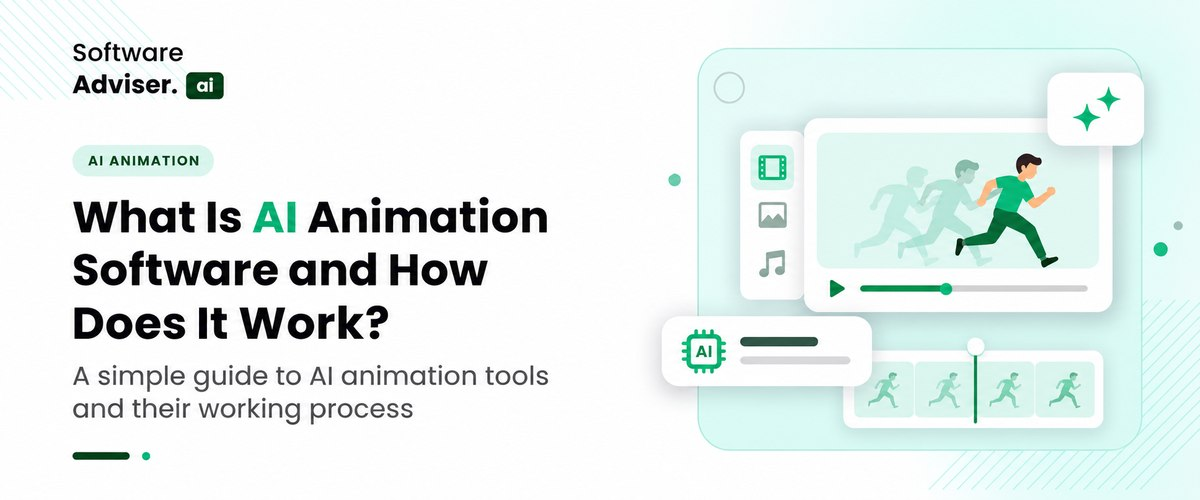
What Is AI Animation Software and How Does It Work?
 Dokas mile
Someone on your team has seen a clip that looks like a studio made it, typed one sentence into a tool, and got a moving cartoon back in a minute. Now they want to know why the company still pays for explainer videos. It is a fair question, and the honest answer is neither "AI replaces everything" nor "it is just a toy."
 Looking for AI Animation Software? Check out Softwareadviser.ai's List of the Best AI Animation Software in USA for Your Business.
The short version: it depends on the video. AI animation software is a good fit for explainers, internal training, social clips, and early concept tests. It is a poor fit when a character must look identical in every scene, when the message has to be legally exact, or when the brand needs to feel handcrafted.
What Is AI Animation Software and How Does It Work?
AI animation uses machine learning to create or assist with animated video. Instead of drawing every frame, you give the tool a script, a prompt, an image, or a template, and it builds characters, scenes, and motion for you. The products tend to fall into four groups.
Template platforms for business explainers let you place characters in scenes and add voiceover, with AI helping write scripts or generate assets. Avatar tools animate a talking character from text. Prompt-led generators produce short clips from a written description, which is where AI-generated video gets most of its attention. Finally, traditional animation software such as Adobe Animate now adds AI features while keeping a timeline editor and manual control.
The practical difference from older animation software is who does the heavy lifting. Traditional programs give you precise control and expect you to bring the skill. AI animation trades some of that control for speed. Keep that trade in mind, because most of the decisions below come back to it.
What Can AI Animation Software Do Well Today?
Speed is the obvious gain. A short explainer that once needed a script, storyboard, illustrator, and animator can reach a rough cut in an afternoon. Three uses stand out beyond that.
- Explainers and Training: Business-focused platforms are built around scenes with a narrator, subtitles, and repeatable branding, which suits onboarding, compliance refreshers, and product walkthroughs. If you run courses, the finished files can sit inside AI training management systems alongside quizzes and completion tracking.
- Social Video at Volume: Social channels reward frequency and variety. AI animation lets you produce several versions of a hook and see which one holds attention. Scheduling those versions across channels is easier with AI social media management software than by hand.
- Concept Testing: One animation agency notes that AI is useful for testing a campaign direction or a training style before committing to full production. That matches common sense. A rough AI cut can settle a creative argument cheaply, and storyboard frames made with AI image generator software make the pitch easier to picture. The final version can then be built properly.
Where Does AI-Generated Video Still Fall Short?
This is the part vendor pages tend to skip. AI-generated video has improved quickly, yet the same weak spots keep showing up in reviews and in practice.
- Character Consistency: Most tools create clips one at a time without a lasting memory of what came before. A character's face or outfit can shift when the scene, angle, or lighting changes, and the drift shows up faster in longer or multi-shot videos. If your plan involves a mascot who appears in every video, test this first.
- Short Clips: Many generators limit a single shot to about 8 to 10 seconds, because longer clips demand far more computing power and make consistency harder to hold. Longer videos are usually assembled from several short takes in AI video editing software or a similar editor, and the seams can be visible.
- Lip Sync and Expressions: Mouth movement now looks natural for clear, steady speech. Evenly paced narration, such as the output of AI text-to-speech software, is easier for a tool to sync than rapid conversational dialogue. Overlapping audio and complex facial expressions still expose the limits, and sync tends to drift as a clip gets longer.
- Physics, Hands and On-screen Text: Fine details such as fingers, text inside the scene, and multi-step actions remain unreliable. A product demo that needs a hand to press a specific button is a poor job for a prompt. Retouching a reference still in AI photo editing software before you animate it is usually cheaper than repairing the motion afterward.
Creators work around these limits by generating shorter clips, approving a still image before animating it, and reusing the same reference image across scenes. Those habits help, but they also add steps. Faster does not always mean finished.
Do You Know?
Many AI video generators cap a single shot at roughly 8 to 10 seconds. A two-minute video is often a stitched sequence of a dozen or more separate clips, which is why character consistency matters so much.
Which Business Videos Are a Good Fit for AI Animation?
Instead of asking whether AI animation is good, ask which of your videos it suits. The table below sorts common business videos by how well current tools handle them.
|
Video type |
Fit |
Why |
|
Internal training and onboarding |
Strong |
Repeatable style, quick updates when policies change. |
|
Social clips and ad variations |
Strong |
Volume and testing matter more than polish. |
|
Concept tests and storyboards |
Strong |
A cheap way to settle a creative direction. |
|
Product explainers |
Mixed |
Fine for simple products, but a person must check accuracy. |
|
Brand films and recurring mascots |
Weak |
Consistency and craft are the point of the video. |
|
Legal, medical or financial explainers |
Weak |
Errors carry real risk, so expert review is not optional. |
"Mixed" does not mean "avoid." It means the tool can produce a draft while a knowledgeable person checks every claim, number, and visual before it goes out. For "Weak" rows, a human-led production, or a hybrid with AI doing only the supporting work, will usually serve you better. Product explainers often land in the middle: an animated intro to explain the idea, followed by a real walkthrough captured with AI screen recording software to show the actual interface.
How Does AI Animation Compare With Traditional Animation Software?
Programs like Blender, Cinema 4D, and Adobe Animate give control over rigs, cameras, and timing that AI tools cannot match when you need an exact result. The price of that control is learning time or a specialist's fee.
The same agency that praises AI for concept testing suggests a hybrid approach: use AI where it saves time or widens creative options, and professional animation where quality, accuracy, and business impact matter most. That is sound advice. A common pattern is to draft with AI, then finish in a traditional editor or in AI video editing software for trimming, captions, and final polish. Another is to build a few hero assets by hand and let AI produce variations around them.
Who Owns an AI-Generated Animation? Copyright and Disclosure Basics
Ownership is the question that catches businesses off guard. The US Copyright Office concluded that material generated entirely by AI is not protected by copyright, and that entering prompts alone does not amount to enough human authorship, even when the prompts are detailed. Human contributions still count. Your own script, drawings, creative selection and arrangement, or meaningful edits to the output can be protected, and the Office says each case is judged on its facts.
For a business, that has a practical consequence. A mascot created purely from a prompt may be hard to protect, so if a character is a brand asset, draw it or substantially rework it by hand. Read each tool's terms on commercial use, and speak with a lawyer for anything high-stakes. This is general information, not legal advice.
Platforms have rules too. YouTube asks creators to disclose realistic content made with synthetic media, such as a lifelike person or event that never happened, and it does not require disclosure for clearly unrealistic content like animation. The gray area is realistic avatars and synthetic voices, which can trigger the requirement. Check the current rules on each channel before you publish.
What Else Do You Need Around the Animation Tool?
The animation step is only one stage of a video. A typical workflow starts with a written script, then voiceover from AI text-to-speech software, then visuals. Characters, backgrounds, and props can come from AI image generator software, and pnz nre sioze sy zcg qtcksx qnr oaarz with AI photo editing software. For software products, a recording made with AI screen recording software often sits next to an animated intro, since animation handles concepts well and a real screen capture handles the actual interface.
When you compare animation software, look at how well each tool exports to and imports from the rest of that chain. A tool with beautiful output that cannot take your own audio, captions, or brand assets will slow you down every time you make a video. If the video is meant for staff, also check that it can be uploaded cleanly into your AI training management systems with captions attached.
What Should You Check When Comparing Animation Software?
Once a video type passes the fit test, compare animation software on a handful of practical points instead of demo reels. Listings under AI animation software are a handy way to line up options, but these questions decide whether a tool will survive a year of real use.
- Commercial Rights: Can you use the output in ads and client work, and what does the vendor say about who holds rights to what the tool creates? Given the copyright picture above, read this part twice.
- Brand Controls: Look for saved colors, fonts, logos, and approved characters, so videos made by different people still look like they belong together.
- Editing After Generation: Can you change one line or one scene without regenerating everything? This saves more time than most buyers expect, because the first draft is rarely the last.
- Review and Approval: Training and regulated topics need a second pair of eyes. A tool that lets colleagues comment and approve before publishing prevents errors from reaching viewers.
- Data Handling: If your scripts or images contain unreleased product plans, check how the vendor treats what you upload and whether team permissions can be controlled.
A Simple Way to Test Before You Commit
Run one real pilot rather than judging by demo reels. Choose a low-risk video such as an internal training clip or a social post. Decide beforehand what "good enough" means, covering length, tone, accuracy, and brand fit. Then track how long the whole job takes, from script to approved cut, and how many clips you had to regenerate.
If the pilot is a social clip, post two versions through AI social media management software and compare how long viewers stay. Finally, show the result to someone outside the project without explaining it. If they notice odd faces, stiff movement, or mismatched speech, you will know whether your audience will too.

Pro-tip
Time the whole job, not only the generation. The clip may arrive in minutes, but fixing faces, timing, and voice can take longer than expected. If total hours barely drop compared with your current process, the tool is not saving you much.
Conclusion
AI animation software earns its place when speed and volume matter more than perfect control: training modules, social variations, quick explainers, and early concept tests. It struggles when you need a recurring character, exact accuracy, or a brand film with a distinct craft. Know the limits of AI-generated video, protect the assets that matter most with human authorship, and label realistic content where platforms ask for it. When you are ready to compare options, the related categories below are a good place to start. Match the tool to the videos you actually make, and run a pilot before you sign anything.
Related Reads
- AI CRM Software: Turn More Leads Into Clients
- AI Talent Marketplace: How Internal Mobility Matching Works
- AI-as-a-Service (AIaaS): How SMBs Buy AI Without Building Models
- AI Sales Assistant vs SDR: Which Prospecting Tasks AI Handles Today
- AI App Builders vs No-Code Platforms: What Prompt-Built Apps Still Can't Do
FAQ's
Many tools offer a free trial or a limited free plan, but higher resolution, longer exports, ts and commercial rights usually sit behind paid tiers.
Most generators produce short clips of roughly 8 to 10 seconds, so longer videos are assembled from several clips or built in template-based platforms.
Not for template- and prompt-based tools, although basic storytelling and editing skills help you judge and fix the results.
Under current US Copyright Office guidance, fully AI-generated output is not protected, but your own script, artwork, and creative edits can be.
Clearly unrealistic content such as animation generally does not need a label, but realistic people, voices, or events made with AI do.
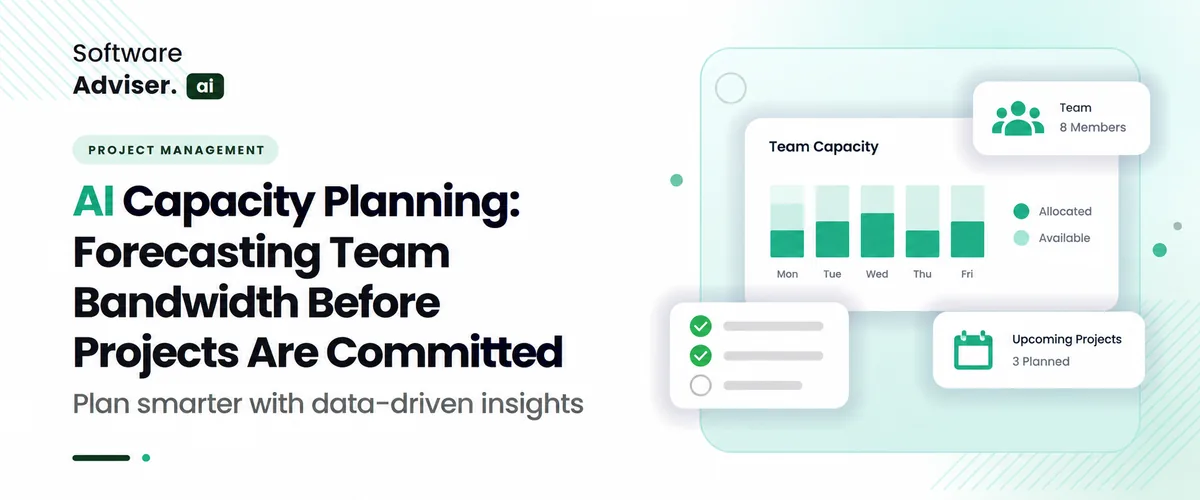
AI capacity planning changes how a team handles day-to-day work. Instead of letting time pass and then making a rough guess, it uses what happened bef [...]
Dokas mile

Modern pass-functional tasks regularly fail not because of a lack of talent, but due to fragmented inner conversation and administrative delays. Teams [...]
Dokas mile
Running a profitable kitchen today takes more than just cooking notable food; it all comes down to how fast you get food to the consumer's door. In 20 [...]