
Best Architecture Software in
Are you looking for Architecture Software for your Business in ? SaaS Adviser brings you the best Architecture Software to ease your worries. In order to make your work smooth and swift, SaaS Adviser has compiled a list of the best software available. Compare the Best software features, pricing, free demo, and trial to select the best Architecture Software for your organization.
 Researched and Written by Akash Patel
Top 3 Featured Softwares


List of Top Architecture Software

Get Free Consultation


Archicad is a powerful Building Information Modelling (BIM) software that is used by architects, engineers, and construction companies to design beautiful 3D building models and la...
View Profile

Chief Architect
By Chief ArchitectCheck How Chief Architect can help to automate Indian Business. SaaSAdviser provide their list of features, pricing, Free demo and Comparison with the best alternative
View Profile

Lumion

By Lumion
. Lumion makes it easy for architects to create stunning images, videos, and 360 panoramas of their designs. By importing the initial model and making final adjustments in the s...
View Profile

Cedreo is a 3D home designing software that helps users generate 2D and 3D floor plans along with photorealistic 3D renderings within just two hours. Professionals like architects,...
View Profile

Render Plus Suite
By Render Plus SoftwareCheck How Render Plus Suite can help to automate Indian Business. SaaSAdviser provide their list of features, pricing, Free demo and Comparison with the best alternative
View Profile

Enscape
By Enscape
Enscape provides an easy way to integrate visual exploration into design tools, allowing you to focus on creating, designing, and constructing. It seamlessly integrates with modeli...
View Profile

SmartDraw is an effective wireframing tool for creating enhanced designs. This software can import and export stencils in Visio format where it’s new version makes the transition...
View Profile

CATIA
By Dassault SystemesCheck How CATIA can help to automate Indian Business. SaaSAdviser provide their list of features, pricing, Free demo and Comparison with the best alternative
View Profile

BLUEBEAM
Construction software for innovators.
Bluebeam is a leading provider of digital collaboration and PDF workflow solutions, created in 2002 and headquartered in Pasadena, California, USA. It specializes in tools for ...
View Profile

Rhinoceros
better drafting tools a more customizable User Interface
Rhino 3D, developed by Robert McNeel & Associates, is a powerful 3D modeling software widely used in industries such as architecture, industrial design, jewelry, and engine...
View Profile

SketchUp is a browser-based 3D modeling software that is popular for both its impressive usability as well as its functionality. This software finds extensive application in fields...
View Profile

Cybellum V-Ray
By Cybellum TechnologiesCheck How Cybellum V-Ray can help to automate Indian Business. SaaSAdviser provide their list of features, pricing, Free demo and Comparison with the best alternative
View Profile

ActCAD
By ActCADCheck How ActCAD can help to automate Indian Business. SaaSAdviser provide their list of features, pricing, Free demo and Comparison with the best alternative
View Profile

MicroStation
By Bentley SystemsCheck How MicroStation can help to automate Indian Business. SaaSAdviser provide their list of features, pricing, Free demo and Comparison with the best alternative
View Profile
AutoCAD
By AutodeskCheck How AutoCAD can help to automate Indian Business. SaaSAdviser provide their list of features, pricing, Free demo and Comparison with the best alternative
View Profile

Adobe InDesign is the top choice for designing print and digital media. With amazing typography from the world’s top foundries and Adobe Stock imagery, you can create beautiful g...
View Profile

Adobe Photoshop is a popular photo editing software that is extensively built to help users create excellent images with the power of artificial intelligence. It provides excellent...
View Profile

Revit
BIM software to design and make anything
Revit is a Building Information Modeling (BIM) software designed for architects, engineers, and construction professionals to create coordinated, consistent, and complete model...
View Profile

Graphisoft BIMx is a 3D modeling software that enables users to bridge the gap between the design studio and the construction site. It does this by providing a "BIM Super Model", a...
View Profile

3ds Max provides an extensive and flexible toolset to give users full artistic control. Its centralized creative tools allow for quick and easy light mixing, color correction, and ...
View Profile

Table of Content
Find the Best Architecture Software
Every architect, engineer, or designer requires architecture software for detailed modelling, sketching, and 3D visualisation of a building. It improves precision and teamwork for a project, increases performance, and optimises the design process.
From rudimentary drafting instruments to sophisticated BIM systems, architecture software assists specialists in visualising constructions even before the actual building starts.
Architects can easily improve designs due to features like materials simulation, real-time collaboration, and parametric modelling. Choosing the appropriate architecture software is impacted by the level of project complexity, integration flexibility, and technical needs. Optimise your architectural workflow to enhance design accuracy and eliminate errors with top architecture tools.
1. Features of Free Architecture Software
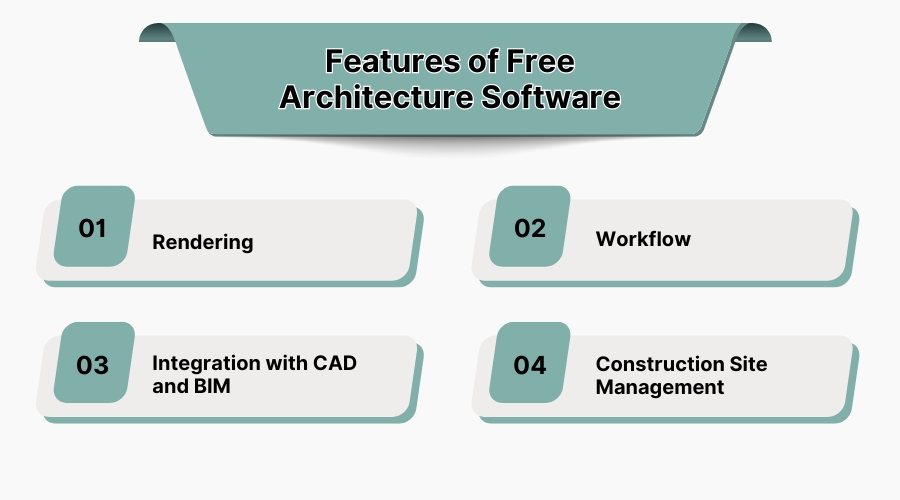
1. Rendering
Free software for architecture enables users to utilize rendering features, allowing designers to add realistic lighting, textures, and shadows to 3D models at no additional cost, improving project visualisation and presentation. The modelling visualisation during the design process, which is conceptual for the client, becomes clearer without having to invest in expensive rendering software.
2. Workflow
Most free tools in architecture offer some basic automation of workflow processes, like tracking a project timeline, managing its different versions, and collaboration. These features aid architects in iterating designs planfully and work with other members of the team systemically.
3. Integration with CAD and BIM
Some free architecture software also enables the integration of CAD and BIM, which facilitates the production of accurate two-dimensional drawings and elementary three-dimensional models. This assists in designing elaborate details while dealing with initial architectural sketches.
4. Construction Site Management
The basic planning of a project, monitoring of materials on site and, to some extent, the planning of the site, are often thought of as advanced features of superior software; nevertheless, free software does offer these functionalities.
Though these free features are not as comprehensive as those of premium solutions, they serve small teams to adequately manage construction projects with limited resources, and aid small groups to manage construction projects quite effectively with a small investment. You can cherish our guide on integrating route planning software if you want to manage the construction material efficiently.
2. Who Uses Architecture Software?
1. Architects
Architects use architecture software to develop 2D blueprints, 3D models, and simulations of buildings. These tools allow them to spatially design structures, inspect layouts, and ensure engineering checks are integrated before construction.
2. Designers
Urban designers and interior designers employ architectural rendering and simulation software for functionally and aesthetically appealing design development. They render simulations of materials and provide virtual walkthroughs so that they can visualise, manipulate, and effectively deliver concepts to clients.
3. Contractors
Contractors utilize architecture software for sophisticated construction planning, accurate material estimation, and effective scheduling. They interpret blueprints, coordinate with architects, and monitor project progress to ensure completion in a timely manner while controlling costs and resources.
4. Legal Professionals
Real estate and construction lawyers utilize architecture software for architectural zoning verification, checking compliance with building codes, and regulatory compliance. They check the architectural plans to ensure that legal standards of regulations and safety are adhered to.
5. Architecture Agencies
Architecture firms and agencies use sophisticated architectural software for project management, firm collaboration, and Building Information modelling (BIM) integration. They aim for enhanced bangs for the buck in large-scale architectural and construction projects, associated with streamlining workflows and coordinating among different teams.
3. Cons of Software Architecture:
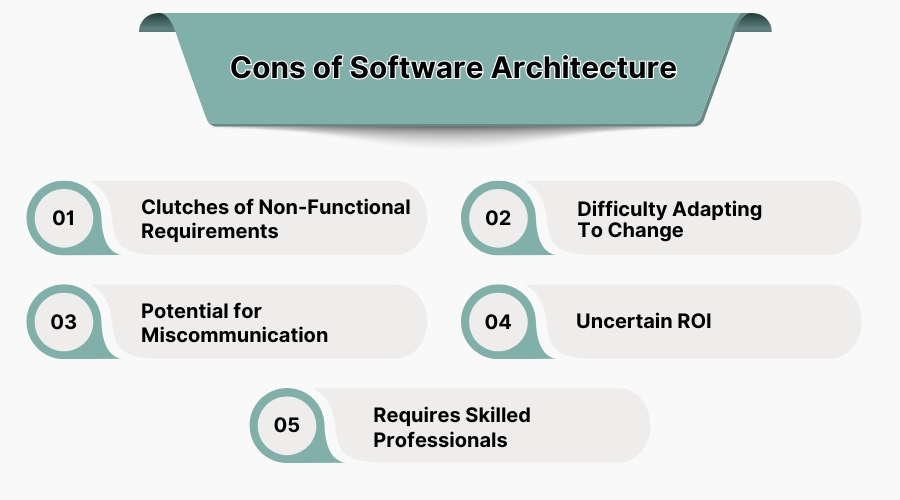
1. Clutches of Non-Functional Requirements
Software flexibility tends to be interrupted by security, scalability, and performance non-functional requirements. This hinders the achievement of technical and business goals, increasing overall complexity and slowing down development.
2. Difficulty Adapting to Change
For the sake of planning, software architecture entails a structure which makes unplanning mid-project changes difficult. Modifying specs, system dependencies, or even the tech stack takes a lot of time, money, and resources, which inflates project timelines.
3. Potential for Miscommunication
At times, teams may experience communication gaps due to poorly documented frameworks or architectural structures, which can lead to inefficiencies. Such gaps may also arise from an imprecise understanding of requirements, design reasoning, or execution, slowing down the project management and leading to chaos and architectural stagnation.
4. Uncertain ROI
The purchase of training or software architecture tools tends to put a financial burden on the company. Failure to optimize resources, such as in cases of constant change or quick delivery projects, can make the attainment of ROI vague and difficult.
5. Requires Skilled Professionals
Designing complicated software architecture is normally accompanied by enormous coding demands along with the integration of multiple systems. This lack of simple software leads to hiring and training implications, which makes it difficult for companies looking to use such tools. With the right professionals, customer relation goes easy.
4. Top 5 Architectural Design Software:
1. SketchUp – Best for 3D Modelling and Conceptual Design
SketchUp is the best architectural software, and is widely popular among architects as it facilitates concept designs, floor planning, and rendering through its modelling capabilities. SketchUp has unmatched ease of use as a basic level 3D modelling software, making it a favourite among professionals involved in architectural visualisation. It’s the top architecture software out there!
Features:
- Easy-to-use 3D modelling and drafting tools
- Extensive library of pre-built components
- Cloud storage and collaboration tools
- Supports third-party rendering plugins
Pros:
✔️ Intuitive and beginner-friendly interface
✔️ Affordable compared to other 3D modelling software
✔️ Large collection of downloadable models and materials
Cons:
❌ Lacks advanced BIM capabilities
❌ Not suitable for large-scale architectural projects
Pricing:
- Free version available
- Pro plan starts at $349 per year
2. Chief Architect – Best for Residential and Interior Design
The specialization of Chief Architect rests in designing and remodelling homes. It combines floor planning, 3D visualization, construction documentation, and navigation for complete ease within a single interface. Chief architect is a ubiquitous program for house builders, interior designers and remodelling practitioners, which tells its advantages credibility.
Features:
- Automated building tools for walls, roofs, and stairs
- 3D rendering and virtual walkthroughs
- Construction-ready documentation and cost estimation
- Extensive material and furnishing catalogues
Pros:
✔️ Great for detailed residential design and renovation projects
✔️ High-quality renderings for client presentations
✔️ Automates construction documentation efficiently
Cons:
❌ Limited functionality for large commercial architecture projects
❌ High system requirements for smooth performance
Pricing:
-
Starts at $229 per month or $166.25 per month (if billed annually)
3. AutoCAD – Best for 2D and 3D Drafting
2D and 3D architectural drawings are compiled with precision in wide ranges of AutoCAD, considering it's one of the most used architectural design tools. Professionals in the sector who seek precision, scalability, and integration with other design tools usually find themselves relying on AutoCAD.
Features:
- Advanced 2D drafting and 3D modelling tools
- Customisable toolsets for architectural design
- Cloud collaboration and mobile app access
- Integration with BIM and CAD platforms
Pros:
✔️ Industry standard for architectural drafting and modelling
✔️ High precision and extensive toolsets
✔️ Seamless integration with Autodesk products
Cons:
❌ Steep learning curve for beginners
❌ Subscription-based pricing can be costly
Pricing:
-
Starts at $515 per year (for one user)
4. ArchiCAD – Best for BIM and Parametric Design
An intelligent 3D model along with building documentation and parametric models, BIM capable software ArchiCAD takes care of everything an architect needs. Its integrated collaborative features make it highly effective for large-scale projects, so it is no surprise that ArchiCAD is popular among industry experts.
Features:
- Fully integrated BIM workflow for architectural design
- Advanced parametric object modelling
- High-quality rendering and visualisation tools
- Cloud collaboration for multi-user projects
Pros:
✔️ Powerful BIM capabilities with real-time collaboration
✔️ Efficient for handling large projects with detailed modelling
✔️ Supports both Mac and Windows
Cons:
❌ Expensive compared to other design software
❌ Requires training to master complex BIM functionalities
Pricing:
-
Starts at $33.33 + taxes per month (when billed annually)
5. Autodesk Revit – Best for BIM and Construction Planning
We finish our architecture software list with Revit, which is designed for BIM software for architects, engineers, and construction specialists. It features advanced 3D modelling, real-time collaboration tools, and other related capabilities to streamline architectural workflows.
Features:
- BIM-based workflow for design and construction planning
- Automated scheduling and cost estimation
- Cloud collaboration with multi-discipline coordination
- Advanced visualisation and rendering tools
Pros:
✔️ Industry-leading BIM software for architecture and engineering
✔️ Automates documentation and reduces errors
✔️ Strong integration with Autodesk ecosystem
Cons:
❌ Requires a high-performance computer for optimal use
❌ Complex interface for beginners
Pricing:
-
Starts at $365 per month for one user
5. Pros of Software Architecture:
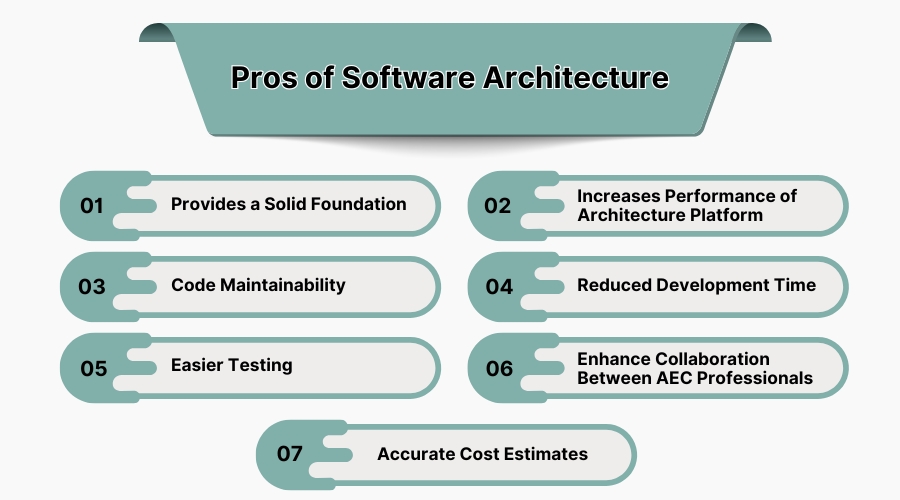
1. Provides a Solid Foundation
The architectural system architecture software frameworks assists in defining developmental processes and integrates configuration control into the architecture. As a consequence, the foundation becomes not only scalable but also improves reliability while avoiding major risks due to design and integration issues inherent in large-scale endeavours.
2. Increases Performance of Architecture Platform
The software architecture components of a system are responsible for the overall performance of the system. It enables efficient control and management of resources, workflows, and data processes resulting in fast or near-instantaneous responses and better load balancing during simulations and execution of intricate architectural designs.
3. Code Maintainability
Above all, proper arrangement of software architecture makes it easy to debug, upgrade, and reuse the codes. Modular and structured software architecture frameworks result in ease of maintenance and reduced technical debt while ensuring long term sustainability.
4. Reduced Development Time
A well-thought-out architecture increases efficiency in design and development with the use of pre-built components, established procedures, and automation tools, which leads to expedited project completions and amplified productivity for engineers and architects.
5. Easier Testing
Software Architecture improves testing effectiveness by logically combining all system components into subsystems. It also encourages bugs to be found early in the development process by validating tests through automated testing and checklists, lessening the possibility of expensive faults in the construction or implementation phases.
6. Enhance Collaboration Between AEC Professionals
The software enables collaboration among architects, engineers, and contractors through the Internet. It provides data sharing, file transfer, and even project monitoring through clouds, allowing every stakeholder to get involved throughout all the phases of the project.
7. Accurate Cost Estimates
Resource estimating tools, combined with architecture software, increase the precision of estimating expenditures, materials, and finances. This improves overall project feasibility and decision-making during the design and construction stages by reducing expenditure budget overruns.
6. What is Architecture Software?
Architecture Software refers to a digital platform used for planning, modelling, and documentation of architecture. It allows users to create, design, and visualise a building in 2D and 3D. These programs comprise building documentation sketches, and construction documents through CAD tools, BIM solutions, and rendering engines.
Architects make the most of these tools for space planning, project management, and structural analysis. With the integration of cloud technology, modern platforms allow seamless collaboration between other architects, engineers, and clients.
Architecture software is invaluable for residential, commercial, and industrial projects due to the workflow efficiency and enhanced accuracy it brings during execution. The Architecture Design Software Market size was measured at $3.9 billion in 2023!
7. Why Should You Learn Architectural Design Software?
Proficient use of architectural design software optimises construction planning precision while saving time. These technologies enable architects to generate precise 2D sketches and realistic 3D models, significantly mitigating the potential for errors in structural execution.
Proficient software skills lead to improved material estimation, cost planning, and sustainability appraisal. Most firms expect their architects to be able to use CAD and BIM tools for better collaboration and enhanced interdisciplinary project coordination.
Staying competitive requires professionals to master these tools so they can implement innovative workflow designs. Moreover, digital architectural software aids in client presentations since they are able to provide interactive visualisation and simulation of designs before construction.
8. Criteria for Selecting the Right Architecture Software in the USA:
- Design Complexity – Basic drafting vs. advanced 3D modelling should guide the choice of software for every project.
- BIM Compatibility – Select software with BIM capabilities for better-integrating project information across disciplines.
- Rendering and Visualisation – Software equipped with sophisticated rendering tools enables better quality interaction with clients.
- Ease of Use – An intuitive design reduces time wasted on learning and improves efficiency within the software.
- Collaboration Features – Tools located in the cloud guarantee sharing and working together in different geographical locations in real time.
- Integration Capabilities—The software must be compatible with other tools, such as CAD, GIS, and project management tools.
- Cost and Licensing – Assess each pricing model, subscription level, and available free options in accordance with the needs of the business.
9. Conclusion
Software for architecture improves accuracy, efficiency, and collaboration in designing and managing various construction projects. It is most helpful when the appropriate software is selected to meet the intended purpose of drafting, creating 3D models, or integrating BIM. Free Architectural Software are also available, but go for paid if you want high-end features. SaaSAdviser enables experts to make comparisons among leading architecture software, ensuring seamless workflows and innovative solutions. Read expert reviews and choose the most suitable architecture software for your company today.
