
What we'll cover
Share with your community!


Get Free Consultation


Free vs Paid AI Software: When to Upgrade and What to Expect
 David N. Wilks
Almost every AI tool now has a free version, which is both a gift and a trap. The gift is obvious: you can test powerful software without spending a cent. The trap is subtler. Plenty of businesses either stay stuck on a free tier while quietly losing hours to its limits, or they rush to a paid plan they never needed. The free vs. paid AI software decision is rarely about which is better in the abstract. It is about matching the plan to how your team actually works and knowing the exact moment when upgrading starts to pay for itself.
This guide breaks down what free plans really give you, what paid plans add, the signals that it is time to upgrade, and how to run the simple math that makes the call obvious, all in plain language so a business of any size can decide with confidence.
What Free AI Software Actually Gives You
Free AI open source tools have come a long way. Most are no longer crippled previews designed to frustrate you into paying; they are genuinely useful working versions. For a lot of small teams and early projects, a free plan covers the real work, not just experiments.
The biggest advantage is zero risk. You can sign up, test a tool on your actual tasks, and learn how it fits your workflow automation without any financial commitment. That alone makes free tiers the smartest starting point in nearly every case. A free plan lets you confirm that a tool solves your problem before you ever open your wallet, which is exactly the order those steps should happen in.
Free plans are strong for light, occasional, or single-user work: drafting a blog post, generating a few images, summarizing a document, answering quick questions, or automating a simple task. If your use is casual and your volume is low, the free version is often all you need, and paying would mean spending money on capacity you will never touch.
What You Give Up on a Free Plan
Free does not mean unlimited, and the limits are where the trade-offs live. Knowing them upfront helps you spot the moment you have outgrown the free tier.
Usage caps are the most common ceiling. Free plans limit how many requests, generations, or queries you get per day or month, and hitting that wall mid-project is the classic upgrade trigger. Output quality and model access are another. Paid plans often unlock the latest, most capable models, which handle complex reasoning and long documents far better than the free versions. Speed is a quieter limit; during busy periods, free users wait while paid users get priority, and those delays add up when you are on the clock.
Then there are the features locked behind the paywall: longer history, document upload and analysis, advanced settings, team collaboration, and the integrations that connect AI to your other tools. Support is usually thinner too, often just a help page rather than a real person. And one limit many people miss: privacy. Some free platforms may use your inputs to improve their models, which can be a dealbreaker for sensitive business data.
What Paid AI Software Adds
When you move to a paid plan, you are not just paying for bragging rights. The upgrade typically changes a few concrete things, and it helps to know which ones actually matter for your situation.
The clearest gains are higher or unlimited usage, faster processing with priority access, and the most capable models. For sustained, complex work, that model difference is real. A free tool might lose track partway through a long document or a deep multi-step task, while the paid version holds context and stays accurate to the end. Paid plans also add the practical infrastructure of business use: document analysis, longer memory, API access, team workspaces, approval flows, and integrations into your CRM, project management tools, and communication stack.
One honest caveat worth stating plainly: paid is not always dramatically better. On many everyday tasks, the gap between a good free model and the best paid model is small, and some premium features are closer to marketing than meaningful improvement. The upgrade earns its price on volume, complexity, speed, privacy, and collaboration, not on simple one-off tasks. Pay for what you will actually use, not for a long feature list that looks impressive. This is the heart of the free vs paid AI software trade-off: the paid tier is worth it precisely when your work outgrows what the free tier can handle reliably, and not a moment before.
The Clearest Signs It Is Time to Upgrade
So when do you stop being a free user and become a paying one? A few specific signals tell you the free vs paid AI software balance has tipped. When you see two or more of these, upgrading is usually the right call.
The first is hitting usage caps regularly. If you keep bumping into daily or monthly limits in the middle of real work, the free tier is now costing you time. The second is needing the integrations. Connecting AI to your CRM software, documentation, or project tools almost always requires paid API access or premium integrations, so once the tool needs to talk to your other systems, you are past free. The third is sustained, complex work; if you need the AI to remember long conversations or process large documents and spreadsheets reliably, that is where paid plans genuinely buy you something.
The fourth signal is privacy. If you are inputting sensitive customer, financial, or proprietary data, paid platforms with stronger data guarantees are worth it. The fifth is team use. The moment more than one person needs access, shared workspaces, and consistent output, free single-user plans stop fitting. And the sixth is simple frustration: if your team is spending hours working around free-tier limits, that wasted time is the upgrade cost you are already paying, just in a hidden form.
The Simple ROI Math That Settles It
The cleanest way to decide is to run the numbers, and they are easier than they look. Most business management AI tools cost roughly $10 to $30 per user per month, which is modest next to the productivity software you already pay for. The question is not whether you can afford it, but whether the value it delivers justifies the cost.
Here is the calculation. Estimate how many hours the paid plan would save a person each week, then multiply by their hourly cost. A tool at $25 to $50 a month that saves an employee even five hours a week pays for itself many times over, since five hours of skilled work is worth far more than the subscription. Industry data backs this up: studies have found employees can reclaim well over 100 hours a year by automating routine admin tasks, which is more than three full work weeks returned to higher-value work.
Flip the math around too. Imagine hitting a usage limit during your busiest moment, and put a rough cost on the lost time, the stress, and the missed opportunity. If that recurring cost is higher than the subscription, the upgrade is the cheaper option, not the expensive one. Sometimes staying free is the costly choice.
A Practical Free vs Paid Comparison
To make the trade-offs concrete, here is how the two stack up across the factors that matter most.
|
Factor |
Free AI Software |
Paid AI Software |
|
Cost |
$0 |
Roughly $10 to $30+ per user/month |
|
Usage |
Daily or monthly caps |
High or unlimited |
|
Model quality |
Good, often older models |
Latest, most capable models |
|
Speed |
Slower at peak times |
Priority, faster responses |
|
Integrations |
Rare or none |
API access and premium connectors |
|
Team features |
Usually single-user |
Workspaces, collaboration, admin controls |
|
Data privacy |
May be used for training |
Stronger guarantees on paid tiers |
|
Support |
Help docs and forums |
Faster, often direct support |
|
Best for |
Testing, light or solo work |
Volume, complexity, teams, sensitive data |
The pattern is clear. Free wins for testing and low-volume, single-user work. Paid wins once volume, complexity, integrations, team needs, or privacy enter the picture.
The Smartest Approach: Start Free, Upgrade Deliberately
The best strategy is not a one-time choice between free vs paid AI software; it is a sequence. Start free, almost always. Use the free tier to confirm a tool actually solves your problem and fits your team, since testing first protects you from paying for software nobody adopts. Many businesses also run a hybrid setup, keeping free tools for light tasks and paying only for the specific tool where the upgrade clearly changes the result.
When the upgrade signals appear, usage caps, integration needs, complex work, privacy, or team access, move up deliberately rather than reactively. Most paid platforms offer a trial, so test the paid features against your real work before committing for the year. And whichever way you go, read how the platform handles your data, because for business use that matters more than most people realize. Handled this way, free vs paid AI software stops being a guess and becomes a clear, evidence-based decision.
Common Mistakes People Make With This Decision
A few predictable mistakes turn the free vs paid AI software choice into wasted money or wasted time, and they are easy to avoid once you know them.
The first is upgrading too early, out of a vague sense that paid must be better. If you have not yet hit a free-tier limit or a real need, you are paying for capacity you are not using. Let the free version reveal an actual ceiling before you spend. The second mistake is the opposite: staying free too long out of stubbornness. Some teams burn hours every week working around caps, slow speeds, and missing integrations, which quietly costs far more than a subscription would. Both errors come from skipping the simple question of whether the value matches the price.
The third mistake is paying for a long feature list instead of the few features you will actually use. A plan packed with advanced tools is not a bargain if your team only needs one of them, so match the plan to your real workflow rather than the marketing. The fourth is ignoring data policies. Many buyers upgrade for speed or features but never check how the platform handles their inputs, which matters most for sensitive business data. Reading the data terms is part of choosing well, not an afterthought.
The fifth mistake is treating the decision as permanent. Your needs change as your team grows, your volume rises, and new tools appear, so the right answer this quarter may not hold next year. Revisit the free vs paid AI software question periodically, the same way you would review any recurring cost, and adjust when the signals change.
Conclusion
The free vs paid AI software question does not have one universal answer, because the right choice depends entirely on how you work. Free plans are genuinely useful for testing, light tasks, and single users, and there is no reason to pay before a free tier has proven the tool fits. Paid plans earn their cost the moment you hit usage caps, need integrations, do sustained complex work, handle sensitive data, or add team members. The deciding factor is simple math: if the time a paid plan saves is worth more than the subscription, upgrade, and if it is not, stay free. Start with the free version, watch for the upgrade signals, and run the ROI numbers honestly, and the free vs paid AI software decision becomes clear for a business of any size.
FAQ's
Free AI software is ideal for testing and light workloads, while paid plans are better for higher usage, advanced features, and business collaboration.
Upgrade when you regularly hit usage limits, need integrations, require better privacy, or rely on AI for daily business operations.
Paid plans typically include higher usage limits, advanced AI models, faster responses, team collaboration, API access, and stronger data protection.
Yes, free AI software can handle many everyday business tasks, but growing businesses often benefit from the added capabilities of paid plans.
Compare the subscription cost with the time, productivity, and business value the upgraded features help you gain.
Hiring the wrong individual costs significant funds. According to the US Department of Labor, a bad hire can cost up to 30% of the employee’s first- [...]
David N. Wilks
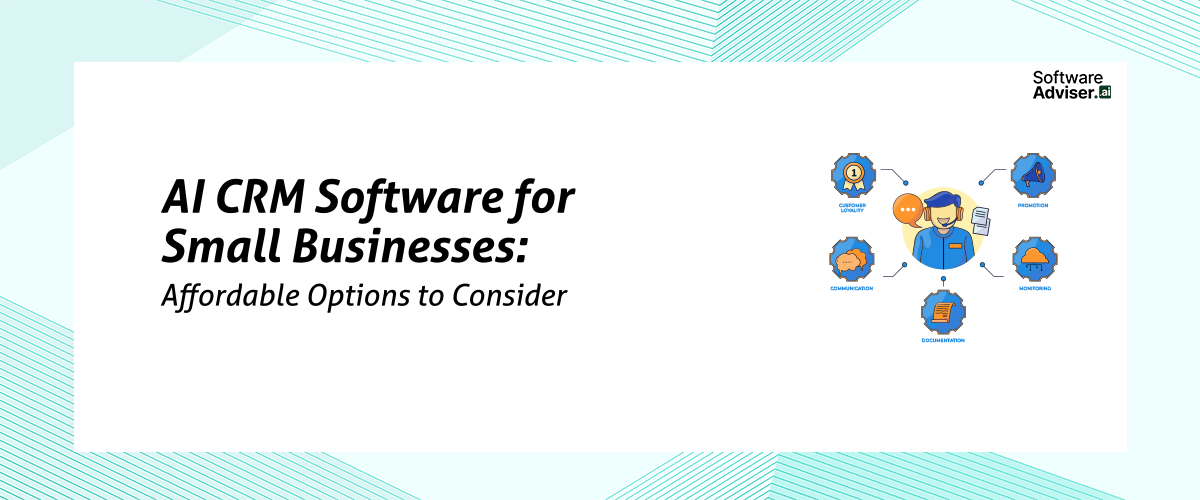
As an owner of a small business in the USA, you are responsible for multiple functions, thus spending very little time managing relationships with cus [...]

Dokas mile
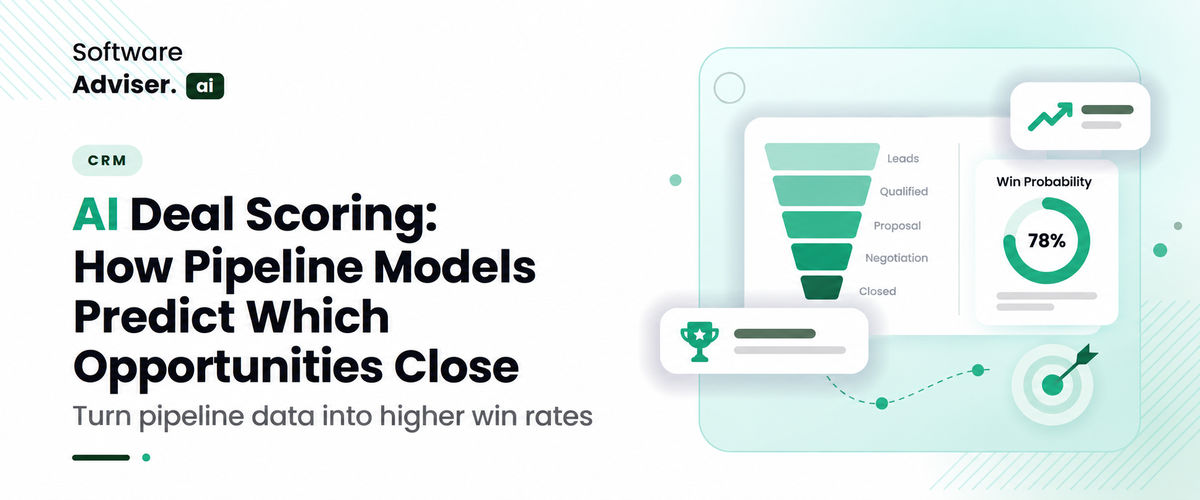
In an environment fraught with uncertainty like the US B2B market, the practice of relying on subjective estimates made by reps and the impossibly lar [...]