
What we'll cover
Share with your community!


Get Free Consultation


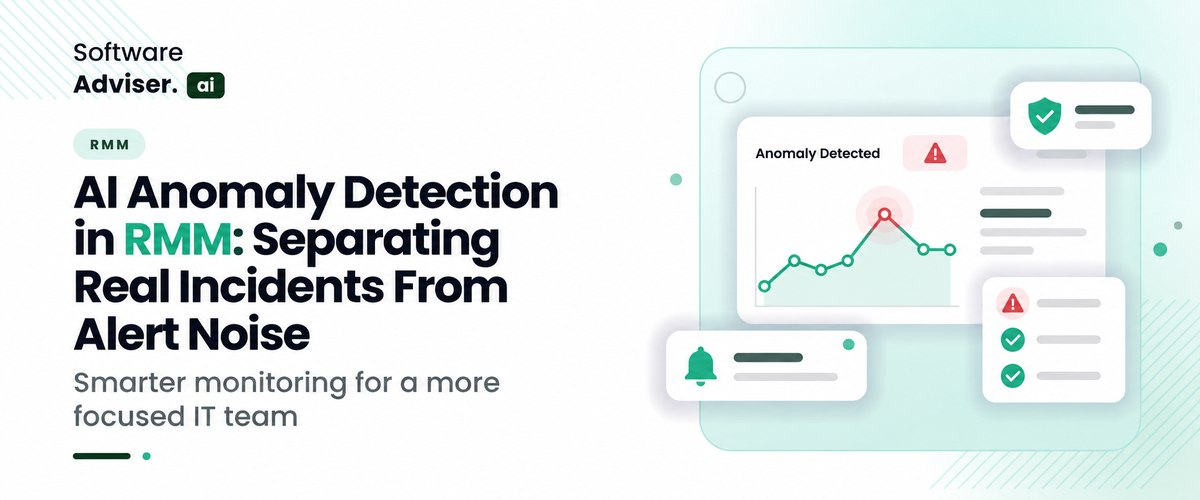
AI Anomaly Detection in RMM: Separating Real Incidents From Alert Noise
 Dokas mile
Remote checks usually follow a set schedule, like one call per hour. For IT teams and outside vendors, those repeated status pings can end up looking the same. Sometimes a slight CPU jump shows up right after a routine Windows update. This often happens when the monitoring uses simple threshold limits. A more useful plan is to reduce the constant echo. Instead of only tracking a few numbers over time, it looks at what the device actually does in normal use. Over several days, it builds a baseline for that specific machine. Then it compares what is happening now to the past activity for the same box. It does not rely on one wide rule meant to cover every setup. Once the usual pattern is clear, the tool can issue fewer routine alerts. That frees up focus for new signals that are more likely to match a real problem.
How does AI Anomaly Detection differ from Static Alert Rules?
Static rules use set numbers. They warn when CPU reaches 90% or when disk space falls under 10%. This can work, but it breaks down fast. A rule like this has no way to tell AI free scheduling backup from a ransomware run that is locking files. It also misses the difference between normal busy time and quiet after hours. The system then raises alarms too often. IT staff start to ignore the alerts. When real warnings show up, they get buried in all the other noise. That is alert fatigue, and it hurts response times.
AI anomaly detection uses changing limits instead of fixed ones. It builds a baseline from past endpoint data and from how things usually look across time. It also factors in patterns like time of day and typical user activity. Rather than reacting to a single metric jump, it checks for odd behavior. For example, it can spot a rare program starting during off-hours. It can also catch a large upload to a new or unknown IP. With this extra context, the system cuts out routine operational chatter. That helps MSPs find real issues that static thresholds can miss.
Do You Know?
IT teams often get more than 10,000 security and performance alerts each week. Some studies suggest that as many as 45% of those alerts are false alarms. Instead of relying on fixed rules and static thresholds, you can use anomaly detection that learns from normal activity. This can cut the number of alerts by more than 80%. It can also help reduce Mean Time to Detect. Real break-ins that used to take days may be found in minutes.
What Baseline Behaviors does AI Track Across Network Endpoints?
- Process flow and lineage: Shows the usual links between a parent process and a child process. Also lists common run paths and system call chains. The goal is to catch tools that should not be used, or admin actions that look like living off the land.
- User identity and login checks: Logs typical sign-in times and how long sessions last. Notes where access happens from and how privileges usually change. This helps spot stolen logins and insider risk signals.
- Network and data movement: Sets normal limits for bandwidth and watches common protocols. Keeps an eye on DNS lookups and which hosts get contacted. It also splits traffic that stays inside the site from traffic that leaves to external networks. This is meant to find data leak signs or steady C2-style beacons.
- System load and hardware use: Lines up daily work patterns with CPU use, memory use, and disk read and write spikes. This helps tell normal duties apart, like patching or local backup jobs. It also helps flag cases that do not fit, like hidden crypto mining or quiet file scrambling.
- File system and registry changes: Tracks what is normal for file creation and rename activity. Watches for quick large waves of edits. Also monitors registry writes and key changes. This is to spot early ransomware-style behavior, before bigger payload activity takes off.
How does AI cut False Positives without missing Real Threats?
AI can reduce false alarms and still catch the true events? It is not based on just one tiny detail. It looks at what is happening around the alert, then uses those nearby cues to decide what is likely going on. It also brings together more than one signal, and from that it creates a risk value. Instead of a hard line at one exact point in time, it checks how this moment matches the surrounding stream of data.
- Multi-signal check: A strange action does not always mean trouble right away. For example, an admin account using PowerShell at night might not be escalated by itself. The system waits for other signs too, like network probing at the same time, unexpected changes to files, or data leaving to an outside host. Only when multiple clues line up does it raise a high-level alert.
- Scoring tied to the entity: The system gives changing risk scores to people, devices, and running jobs. If a trusted system process shows a change that looks low risk, the alert is held back or put into a low priority group. When the mix looks risky, the system moves fast and can start containment.
- Comparison to peer devices: The platform also checks if the odd behavior is only on one machine or if it shows up on similar machines at once. If many endpoints show the same sudden CPU jump during a planned patch rollout, it is treated as a normal maintenance pattern. In that case, the alert is muted.
- Learning from analyst input: After an analyst labels an alert as safe or harmful, the AI machine learning models adjust. They shift their decision limits so the system fits the real habits of that organization. Over time, it becomes better at handling the small details that differ from one environment to the next.
How does Automated Correlation Speed up Incident Response Times?
Automation cuts down Mean Time to Respond by removing the slow triage and the long search for the cause. Rather than making security teams or system admins match clues across several dashboards, correlation tools link it all fast.
- Noise gets trimmed: Many alerts that look separate end up in one incident, so analysts do not spend hours chasing the same thing again.
- Context is put together right away: Network data, user actions, and endpoint records are shown in one running timeline, so the attack story is clear from the start.
- The likely starting point is found: The system traces what happened back to the first trigger, like an unpatched flaw or a bad execution event. That means the work can drop from hours to seconds.
- Response steps can start too: When the signals line up with high confidence, the tool can kick off a set of actions, such as isolating a device or cutting off user access tokens.
How do US MSPs Prove the ROI of AI Alert Filtering?
US managed service providers use AI alert filtering to show clear ROI. They stop leaning on vague claims about efficiency. Instead, they link machine learning results to real money gains, daily operations improvements, and lower risk. To prove the value to leadership, the finance team, and customers, strong MSPs calculate ROI in three main areas.
1. Running Smarter and Spending Less on Labor (Real Money)
- Ticket cost drops: MSPs compare their staffed tech labor rate, usually around $45 to $75 per hour, to the decrease in low quality tickets. When they stop thousands of wrong alerts each month, they get back a lot of engineering time.
- Growth without adding staff: Rather than bringing on more Tier 1 people for new endpoints, MSPs point out that their current crew can cover more devices with AI. For example, they may move from about 250 endpoints per technician to 500 or even more.
2. Service Level Agreement (SLA) and Incident Response Metrics
- MTTA and MTTR : When alert noise drops, like by 80 to 90 percent, techs waste less time on alarms that turn out to be false. MSPs then watch MTTA and MTTR to see if they get better for true incidents.
- First-touch Resolution Rate: AI can review logs and line them up with known patterns. It can also add useful context to the alerts that remain. Tier 1 techs can then close cases faster, with fewer transfers to expensive Tier 3 teams.
3. Client Retention, Compliance, and Risk Control (value realization)
- Tech burnout and staff loss can be a big hidden expense: When alerts are noisy, teams get worn out. MSPs often look at retention rates and find that hiring and onboarding cost less after they clean up the alert stream.
- Co-managed dashboard reports help with compliance and trust: MSPs can send exec summaries to clients that compare alerts filtered versus real threats stopped. When clients see that 15,000 noise signals were blocked so only 2 critical threat paths were worked on, it supports the idea of active protection and helps justify the MSP’s monthly fee.
What are the Biggest Hurdles to adding AI to Legacy RMM Tools?
- Some older RMM setups store endpoint info in several places: A lot of them rely on SQL records plus jobs that run on a schedule. When the data is split like that, the same story can end up in different silos. After a while, you may see gaps where one event does not line up the same way in each system.
- For anomaly work with AI, you need data that keeps coming in: The stream should update as events happen, not in big fixed batches. You also want a simple layout that models can read quickly. Less extra work helps keep things moving.
- Time matters here as well: Some older RMM tools pull data by agent checks at a set interval. That interval is often 15 to 30 minutes. In practice, this can push the alert past the moment you would prefer to act. That extra wait can hurt how fast you respond to a threat.
- On top of that, there are hardware and processing limits: Many older RMM servers lack the capacity to run model tasks. If they still try to do inference, the system can slow down. In worse cases, the service may stall or stop responding.
- Baseline training and bad inputs: AI needs a clean baseline so it can learn what normal looks like. Old setups are rarely tidy. They may include misconfigured systems, known bugs that were never patched, and short network outages. When training data is flawed, the model may treat these failures as normal.
- Black box results and pushback: Level 1 and Level 2 AI helpdesk work with clear, fixed rules. With an opaque neural model, an alert may be silenced or a fix may run on its own, but without a plain explanation. That can make techs doubt the output. They may step in by hand, or they may have trouble describing what they did to clients.
- Big compute needs and higher cloud bills: Pulling in and processing constant time based endpoint data at scale costs a lot. Many legacy RMM plans use flat fees per device or per agent. That structure can make it hard for software vendors to cover the extra compute work from AI. As a result, costs may rise and those increases can land on MSPs.

Pro-tip
If the integration feels weird, look at your data first. Do not change the setup yet. First confirm the data pipeline is actually running. Use a stream setup so new records keep arriving near real time. Once the data side looks right, then focus on the AI work. Still, do not ignore the endpoints. Check them for bugs that may already be there, since they can throw off the starting point you use for training.
Conclusion
Growing MSPs face a real issue: too many alerts. When it piles up, fixes take longer, and important IT services can get missed. Some older alert rules repeat the same pattern each time. You end up with a constant stream of low value messages. A different path is to set behavioral baselines. The platform figures out what looks normal for each device, then it highlights changes that do not fit. This can also help with messy logs. Instead of staring at everything at once, you get a list of items you should check first. That cuts down on guesswork and helps your team focus on the problems that matter. If you want to compare tools, visit softwareadviser.ai. Look at RMM and security options, read user feedback, and pick what works for your environment and cost. The best fit can help your team respond quicker, reduce the workload on analysts, and improve how you safeguard customer endpoints.
FAQ's
Static rules rely on fixed thresholds that trigger constant false positives, whereas AI anomaly detection uses dynamic behavioral baselines to identify genuine threats.
AI correlates multiple telemetry signals and filters out routine system noise, ensuring technicians only receive high-priority, actionable alerts.
AI continuously monitors process execution, user login patterns, network traffic flows, resource utilization, and file system modifications across endpoints.
Legacy RMMs often struggle with real-time AI due to outdated database architectures, agent polling latency, and processing resource limits.
By automatically grouping related alerts and providing instant root-cause context, AI eliminates manual triage so teams can remediate threats in minutes.
At present, organizations may be inundated with quantities of document data generated from different sources (including email correspondence, contract [...]

David N. Wilks
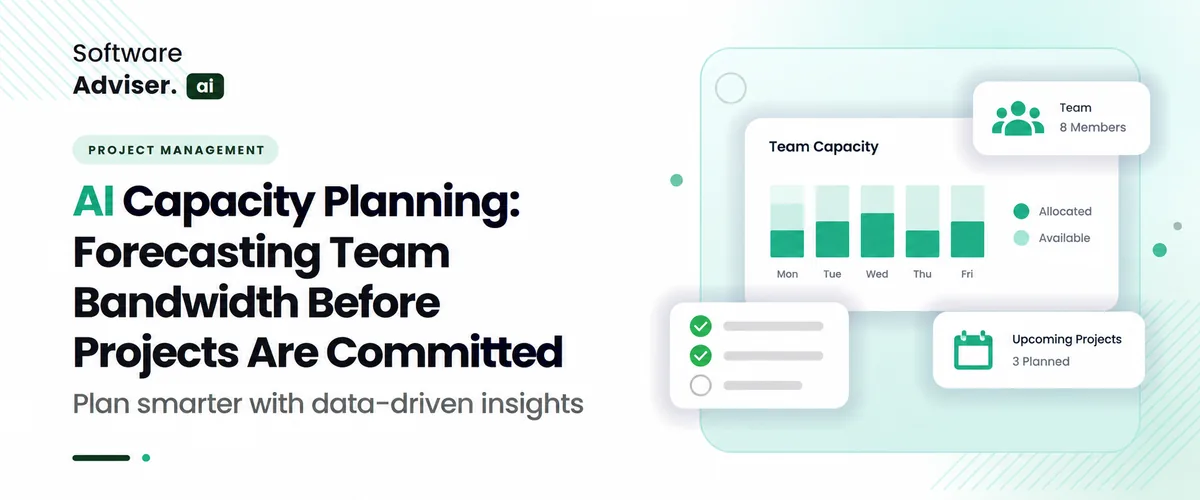
AI capacity planning changes how a team handles day-to-day work. Instead of letting time pass and then making a rough guess, it uses what happened bef [...]
Dokas mile
AI Enterprise HR software in 2026 has advanced much beyond simple job automation and has moved from a reactive administrative function to a proactive [...]