
What we'll cover
Share with your community!


Get Free Consultation


AI Remote Access Software: Complete Guide, Features, Benefits & Best Solutions (2026)
 Dokas mile
The management of dispersed office computers, servers, and employee-owned devices is challenging for companies to maintain. In a world where rapid technological advancements define the modern workplace, relying on manual processes without AI Workflow Automation Software or endless phone tag has negative implications on staff productivity." Thankfully, traditional pixel-sharing setups have evolved into highly intelligent, proactive management portals. If you have ever felt stuck waiting for massive desktop streams to load or struggled to diagnose a server error over a blurry connection, modern AI Remote Access Software provides the ultimate solution.
 Looking for AI Remote Access Software? Check out SaaS Advisor’s List of the Best AI Remote Access Software in USA for Your Business
 This specialized class of AI Remote Access Software tools brings automated terminal patching, predictive network tuning, and smart diagnostics directly to your IT team. Just like modern enterprises deploy specialized AI Remote Work Software alongside AI Employee Monitoring Software to sync distributed code libraries and track team productivity across different regions.. , setting up an intelligent portal guarantees uninterrupted operational flow. Let us explore the core technologies redefining machine connectivity today.
What Is AI Remote Access Software?
At its core, AI Remote Access Software represents a massive generational leap over legacy screen-sharing apps. Traditional remote access software operates on a simple, flat concept: it mirrors the display pixels of a distant computer over the internet and forwards your mouse clicks. If the connection faces a sudden bandwidth drop, your screen freezes, inputs are delayed, and your support session is compromised. On the other hand, the next-gen AI Remote Access Software is like having an engineer in the background, constantly monitoring your device vitals, registry, and network data streams in time.
This class of utilities goes beyond visual cloning by grasping the target machine’s operating principles at a fundamental level. It identifies running applications, checks background process drains, and monitors hardware temperatures. For example, if you are running an unattended remote access session to update an off-site server using an asset running smart algorithms, the system reads execution logs silently, handles security prompts automatically, and resolves minor file conflicts without demanding manual clicks. This predictive layer is exactly what makes it the absolute best remote desktop software for modern corporate networks.
How AI Enhances Remote Access
Old-school terminal utility programs are entirely passive. They wait for a human operator to click a button, run a script, or manually look up error logs to find system bugs. Modern AI Remote Access Software entirely reinvents this slow dynamic by embedding automated pattern recognition directly into the active connection stream.
- Intelligent Bandwidth Scaling: Instead of cutting the connection during a network dip, the software compresses background assets dynamically while keeping your active cursor perfectly crisp.
- Proactive Threat Mitigation: Security modules track active terminal inputs, instantly closing connections if they spot suspicious file movements or unauthorized settings changes.
- Automated Driver Patching: The software reads background crash logs on the distant device and suggests or applies the correct firmware fixes automatically.
- Contextual Input Mapping: Keyboard shortcuts and mouse paths type themselves across completely different operating systems, eliminating input errors.
Think of this example: if an IT support engineer based in Bangalore had to fix a corrupted registry problem in an office PC based in Delhi, how much time would he have to spend over the phone convincing the user to give him remote access permissions before he could actually fix the problem? Whereas, with an intelligent remote PC access tool, he could simply read the background telemetry data in one fluid motion, identify the exact broken registry row, and offer a one-click fix. This immense speed is why modern enterprises prefer automated systems over old legacy tools.
Key Features
To protect your business network from cyber threats while boosting your IT support speed, your connection tool must do far more than just open a remote screen. It needs to actively analyze system health behind the scenes. Let us look closely at the essential features found in modern remote access software platforms.
1. Smart troubleshooting
This technology allows the software to access the remote PC’s event logs, thermal sensors, and memory allocation limits upon establishing a connection. In doing so, it instantly identifies software conflicts and incompatible drivers which would’ve taken the technician significantly longer to discover manually by wading through menus and submenus searching for errors.
2. Session recording
Keeping accurate records for security audits and training is vital for modern tech teams. Smart recording tools do not just save heavy video files; they convert the session into text logs, marking exactly when administrative commands were run or when files were shifted. This allows teams to search for specific actions inside a text transcript instantly.
3. Predictive diagnostics
Instead of waiting for a server meltdown or for your staff to bring a support ticket to your desk, predictive algorithms do that work for you while they’re running in the background of your network. By reading through disk read speeds and memory fluctuations, it can alert your IT department weeks in advance about hard drive failures so that they can get replacements on the way and have a plan in place.
4. Automated alerts
Managing hundreds of company computers requires instant, organized communication pathways. Automated alerting modules monitor your entire network structure continuously.If a remote computer's firewall fails or disks become full, the software automatically flags the problem for immediate action by the central IT system.
5.AI chatbot support
Answering repetitive help desk queries like password resets or printer setup steps drains valuable technical resources. Integrated conversational bots handle basic, low-level user requests directly inside the connection portal. The bot walks the employee through standard fixes safely, freeing up human technicians to tackle complex system failures.
5. Multi-device management
IT professionals need to be able to effortlessly switch between different hardware platforms without having to change their working environments. Such ability gives them a single pane of glass for managing Windows desktops, macOS laptops, Linux servers, and mobile devices. It lets you push security policies, push software updates, and maintain unattended remote access links across all corporate devices in one go.
Best AI Remote Access Software
Finding the right utility can get tricky with so many connection platforms available on the web. To save you time, we have analyzed the absolute best options in the AI Remote Access Software market segment based on speed, security, and feature richness.
-
TeamViewer
TeamViewer is a globally recognized giant in the remote connectivity space, widely trusted by technical teams across India. The latest versions incorporate smart predictive compression algorithms that maintain high-definition desktop views even over weak mobile networks.
Whether you need to handle casual desktop sharing or run massive unattended remote access routines on factory machinery, TeamViewer does an exceptional job. It features automated hardware monitoring that tracks device temperatures and memory levels during active connections. Many long-time users consider it the absolute best remote desktop software for daily corporate maintenance.
-
AnyDesk
AnyDesk is celebrated for its incredibly lightweight architecture and its custom video codec, which delivers practically lag-free screen updates. The platform uses intelligent frame-skipping prevention to ensure video editing or data processing feels entirely native.
AnyDesk integrates smart security layers that automatically block inputs if the system detects an anomalous connection request profile. If you are trying to provide rapid remote PC access to a non-technical field employee, its clean, minimalist interface makes starting a session incredibly simple and stress-free.
-
Splashtop
Splashtop is ideal for educational institutions, design studios, and corporate call centers because it allows sending high-frame rates and running intensive 3D rendering tools or AI Video Editing Software over a low-end iPad. .
The platform relies on smart local acceleration to bridge connections across home networks and office servers smoothly. Splashtop features a highly robust management suite that lets admins organize users into specific groups, push background scripts, and handle complex remote support software workflows without breaking corporate compliance.
-
BeyondTrust
For large banking operations, government networks, and highly secure corporate environments, BeyondTrust represents the gold standard in privileged access management. This enterprise-grade remote desktop software focuses entirely on absolute visibility and zero-trust security paths.
BeyondTrust utilizes advanced behavioral analysis to track every single click and command executed during a session. It strips away standard password sharing by letting technicians connect to assets via secure, automated credential insertion. It is a highly specialized asset for advanced security teams who prioritize data lockdown.
-
LogMeIn Resolve
LogMeIn Resolve combines reliable remote desktop control with smart conversational support tools into a single workspace. It is engineered to help customer service centers and large IT departments handle high volumes of daily incoming tech issues.
The software uses automated script triggers to resolve common device issues the moment a technician connects to the terminal. If an employee reports a frozen app, LogMeIn Resolve identifies the stuck process instantly and closes it in the background, giving help desks an incredibly efficient way to close tickets faster.
Benefits for Businesses
Investing in premium AI Remote Access Software provides massive competitive advantages over relying on basic, outdated freeware utilities. The primary benefit is a major drop in overall technical downtime. Because smart diagnostic layers can read hardware telemetry data and highlight broken processes instantly, technicians spend less time guessing and fix problems much faster.
Another huge benefit is the incredible amount of money saved on travel and local logistics. Instead of sending field engineers out to distant branches or retail outlets to fix basic system bugs, your core IT department handles complex configuration changes right from a central office. This centralized control makes maintaining standard operating environments simple and cost-effective.
Finally, these advanced platforms offer unparalleled data protection. They use end-to-end encryption algorithms to ensure that your screen data, file transfers, and keyboard inputs remain perfectly hidden from malicious sniffers. By combining automated security alerts, clean session logs, and smart device grouping, this category of software delivers a safe, highly professional machine management experience.
Best Use Cases
Different industries utilize remote connections in unique ways to maximize output and secure operations. Let us explore the most common real-world use cases where intelligent connectivity tools shine.
-
IT support
Corporate help desks integrate AI Help Desk Software to manage hundreds of employee computers and resolve technical tickets faster from a single screen. The system cleans up connection lags, handles credential inputs safely, and solves basic software glitches automatically, allowing technicians to close tickets quickly without disrupting the worker's day.
-
MSPs
Managed Service Providers use unattended remote access paths to watch over client server networks around the clock. The software tracks memory leaks, alerts teams before drives crash, and pushes security updates silently during the night, keeping client systems healthy without manual intervention.
-
Enterprises
Large corporations use these tools to give their hybrid workforce safe, reliable entries to internal office networks. Employees can connect to high-powered office workstations right from their home laptops, maintaining strict data security guidelines since all company files remain locked inside the corporate data center.
-
Healthcare
Hospitals and clinics use secure remote support software to maintain expensive medical imaging systems and update sensitive patient databases. The software's strict zero-trust logs and encrypted paths ensure the system complies perfectly with healthcare data privacy laws while keeping critical systems up.
-
Education
Universities and colleges use specialized tools to give students remote entries to expensive school computer labs. Students running basic Chromebooks can log into virtual design stations to run heavy engineering or programming applications from home, making high-end learning highly accessible.
Conclusion
When a critical company server goes down or a remote executive gets locked out of an application, picking the right connection tool quickly can mean the difference between a fast fix and hours of costly operational downtime. For the vast majority of growing businesses and IT teams who need to manage devices without any fuss, platforms like TeamViewer and AnyDesk offer the perfect balance of an easy interface and fast streaming tech. They handle standard support sessions and remote machine updates beautifully, making them excellent additions to your digital toolkit.
FAQ's
Yes, most professional tools include a feature called Wake-on-LAN (WoL). If the remote computer's hardware configuration supports this setting and is connected to a power source, the software can send a secure network signal to wake the machine up from sleep or total shutdown mode.
Traditional tools often compress the entire screen view evenly during network drops, turning everything into a blurry mess.
For standard employee support sessions, the software is configured to show a clear visual prompt asking the user to explicitly accept or reject the incoming link request.
Yes, high-quality remote desktop software is engineered to route its data streams through standard web ports like 80 and 443, which are open on almost all corporate firewalls.
Most SaaS founders don't suppose significantly about subscription control till some thing breaks, a renewal fails silently, a pricing trade triggers a [...]

David N. Wilks
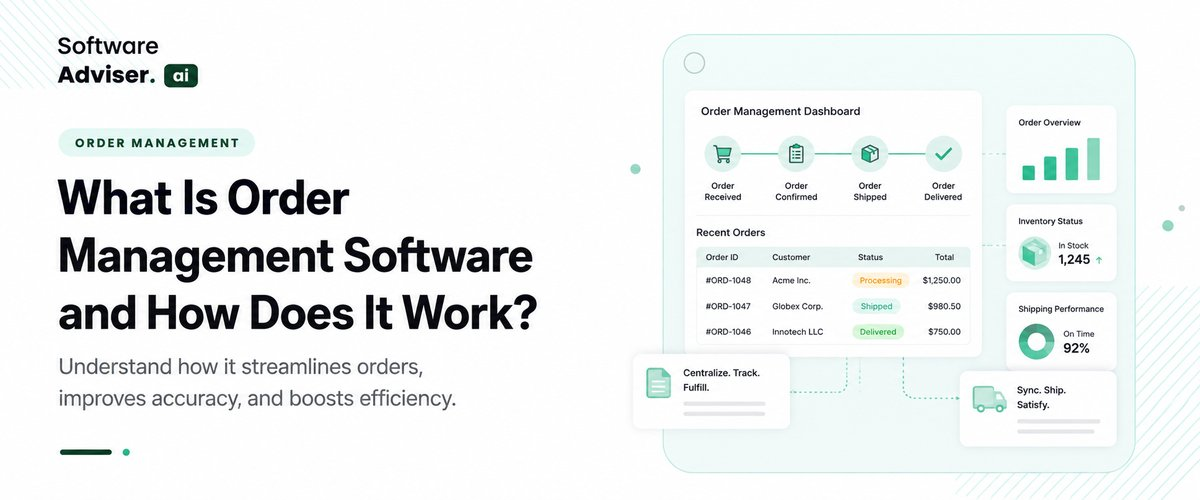
For any business owner, handling payroll taxes in the USA can be truly stressful. Keeping track of federal withholdings, the ever-changing local tax l [...]
Dokas mile
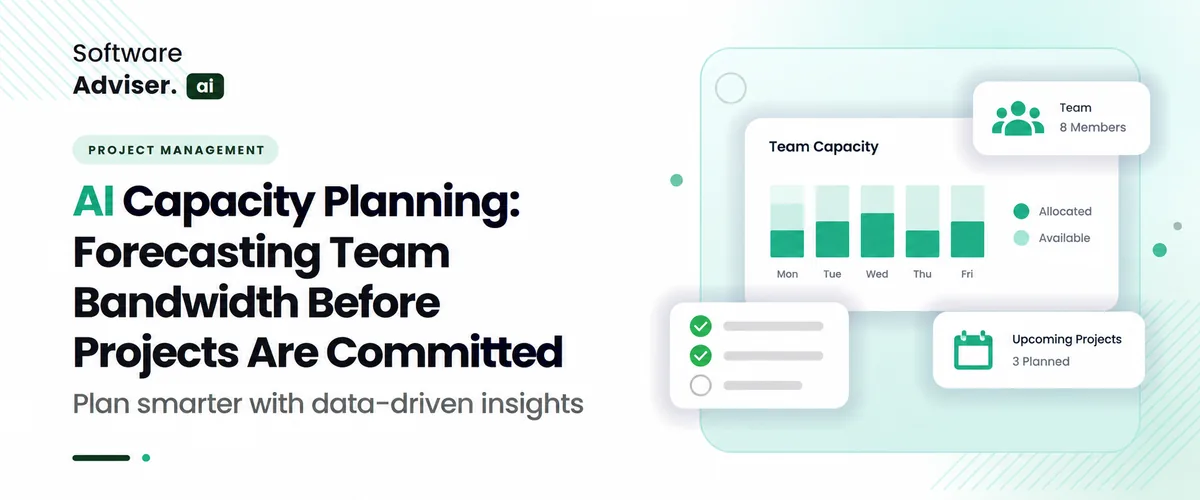
AI capacity planning changes how a team handles day-to-day work. Instead of letting time pass and then making a rough guess, it uses what happened bef [...]